

Hi there! How can we help you today?
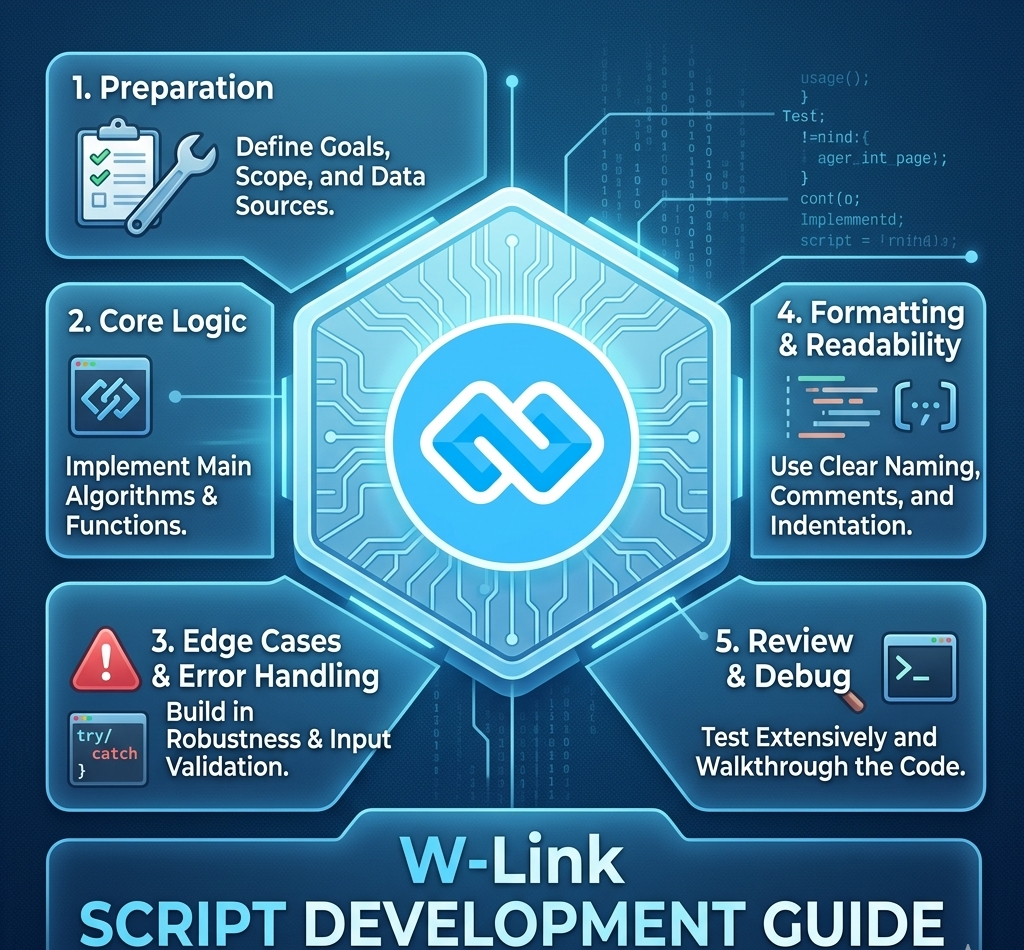
The Master Scripting Guide: Writing Code That Lasts
In the world of modern development, a "script" is more than just a set of instructions; it is the automation that drives your software. Whether you are writing PHP for a web app, C# for a management system, or JavaScript for a dynamic interface, following a standard guide is the difference between a project that scales and one that breaks.
This guide will walk you through the essential rules of scripting, from file organization to high-speed execution.
1. The Anatomy of a Professional Script
Every high-quality script, regardless of the language, follows a specific "Order of Operations."
Jumping straight into the logic without setting the stage leads to "spaghetti code."
Task
Language
Why?
Web Backend
PHP / Laravel
Fast to deploy, massive community support.
Desktop Software
C#
High performance and deep Windows integration.
Interactivity
JavaScript
The only language that runs natively in the browser.
Database Logic
SQL Scripts
Essential for managing data inside MySQL or PostgreSQL.
● The Header: Define your dependencies and imports (e.g., using System; or require_once).
● The Config: Set your variables and environment constants.
● The Logic: The actual "work" the script does.
● The Cleanup: Closing database connections or returning a final response.
2. File and Folder Destinations
To enhance the speed of your application, your scripts need to know exactly where to find their "friends" (images, CSS, or other scripts).
The "Link and Paste" Rule: Instead of typing a new path every time, define a Root Constant. When you move your project from a local server like Laragon to Cloud Hosting, you only change the path in one place.
● PHP Snippet: define('ROOT', __DIR__);
● C# Snippet: string root = AppDomain.CurrentDomain.BaseDirectory;
3. Scripting Language Comparison
Not all scripts are created equal. Choosing the right "tool for the job" is the first step in your guide.
4. Security: The "Trust No One" Policy
A script is only as durable as its security. If your script accepts user input (like a search bar or a login form), you must Sanitize and Validate.
1. Sanitization: Cleaning the data (removing HTML tags or weird characters).
2. Validation: Ensuring the data is what you expected (e.g., making sure an "Age" field is actually a number).
5. Automation and Short Codes
Modern frameworks like Laravel allow you to use "Short Codes" or Artisan commands to generate scripts instantly.
Instead of writing a 100-line script to handle a database table, you can run: php artisan make:model Product -m
This single command creates the Model script and the Migration script for you, ensuring your project follows professional standards automatically.
6. Best Practices for Durability
● Comment Your Why, Not Your What: Don't tell the computer // Adding 1 to X. Tell the developer // Incrementing order count for the daily report.
● Version Control: Always save your scripts to a destination like GitHub. It acts as a "Time Machine" for your code.
● Naming Conventions: Use camelCase for variables and PascalCase for classes. Consistency is the key to speed!
Conclusion
Scripting is a craft. By organizing your files, securing your inputs, and using the right destinations for your code, you transition from a "coder" to a "Software Architect." What is the first script you plan to write today? Whether it's a simple HTML layout or a complex C# management tool, follow this guide to ensure your work stands the test of time!

Hi, Welcome to CodesCamp Software Development Company; Build deploy and get all software and tools you need for building here. Build Your Software for free.
Build Today and “Let's Change the Humanity Technology With Software Development!”