The Developer’s Toolkit: Mastering File Paths for High-Performance Builds
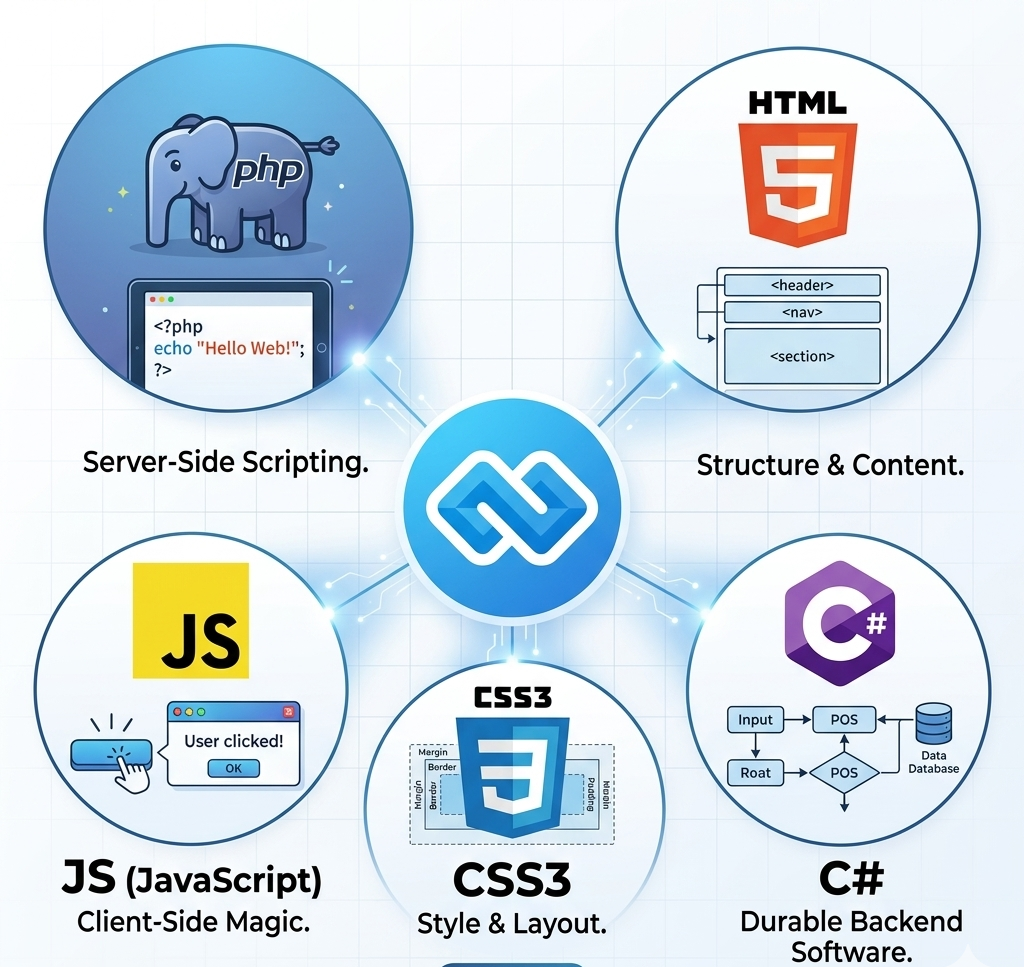
When building management software or a dynamic website, how you reference your files is just as important as the code itself. Whether you are working with CSS, JS, PHP, or C#, using the correct links to your files and folders ensures your application is fast, durable, and easy to maintain.
In this guide, we’ll look at short-code snippets for these languages and explain how to correctly "copy and paste" file paths to enhance your project’s speed.
1. Organizing Your Folders
Before writing code, your folder structure must be logical. A "messy" folder leads to broken links and slow load times.
● /assets: For CSS, JS, and Images.
● /includes (or /src): For PHP functions or C# classes.
● /data: For local databases or XML files.
2. CSS & JS: Linking Frontend Assets
To make a website fast, you should link your CSS in the <head> and your JS at the bottom of the <body>.
The "Link" Code:
<link rel="stylesheet" href="assets/css/style.css">
<script src="assets/js/main.js" defer></script>
Pro Tip: Use relative paths (like assets/css/...) so that if you move your project from a local server like Laragon to a live host, the links don't break.
3. PHP: Including Scripts and Configs
In PHP, you often need to pull in a database connection or a reusable header. Using require_once with an absolute path is the most "durable" method.
The Short Code:
<?php
// Define the base path for speed
define('BASE_PATH', __DIR__ . '/');
// Copy and paste this to include any file reliably require_once BASE_PATH . 'includes/db_connection.php';
?>
4. C#: Referencing Libraries and Data Files
In C# desktop applications, you often need to link to external .dll files or local data folders. Speed is enhanced by using the Path class to locate files without hardcoding "C:\Users..." which fails on other computers. The Short Code: using System.IO;
// Get the current folder path automatically
string rootFolder = AppDomain.CurrentDomain.BaseDirectory; string dataPath = Path.Combine(rootFolder, "data", "settings.xml");
// Use this path to load your files
Console.WriteLine("Loading data from: " + dataPath);
5. Why "Copy-Paste" Paths Enhance Durability?
Method
Speed
Durability
Hardcoded Paths
(C:\myfiles...)
Slow (Windows lookup)
Low (Breaks on other PCs)
Relative Paths (assets/css/...)
Fast
High (Moves with project)
Dynamic Constants
(__DIR__)
Fastest
Highest (Server-independent)
Summary Checklist for Developers
1. Copy the Relative Link: Instead of the full address on your computer, start from the project root.
2. Use Assets Folders: Keep your CSS and JS together so the browser can cache them, increasing speed.
3. Use Constants: In PHP and C#, define a "Root" variable once and paste it at the start of every file link.
4. Verify Case Sensitivity: Remember that while Windows doesn't care about Style.css vs style.css, Linux servers (where most websites live) do!

Conclusion
By mastering how you link your files and folders, you create software that is
"portable"—meaning it works on your machine, your client's machine, and the cloud without any changes.
Happy Coding! Copy these snippets into your next project to see an immediate improvement in your development workflow.

Hi, Welcome to CodesCamp Software Development Company; Build deploy and get all software and tools you need for building here. Build Your Software for free.
Build Today and “Let's Change the Humanity Technology With Software Development!”