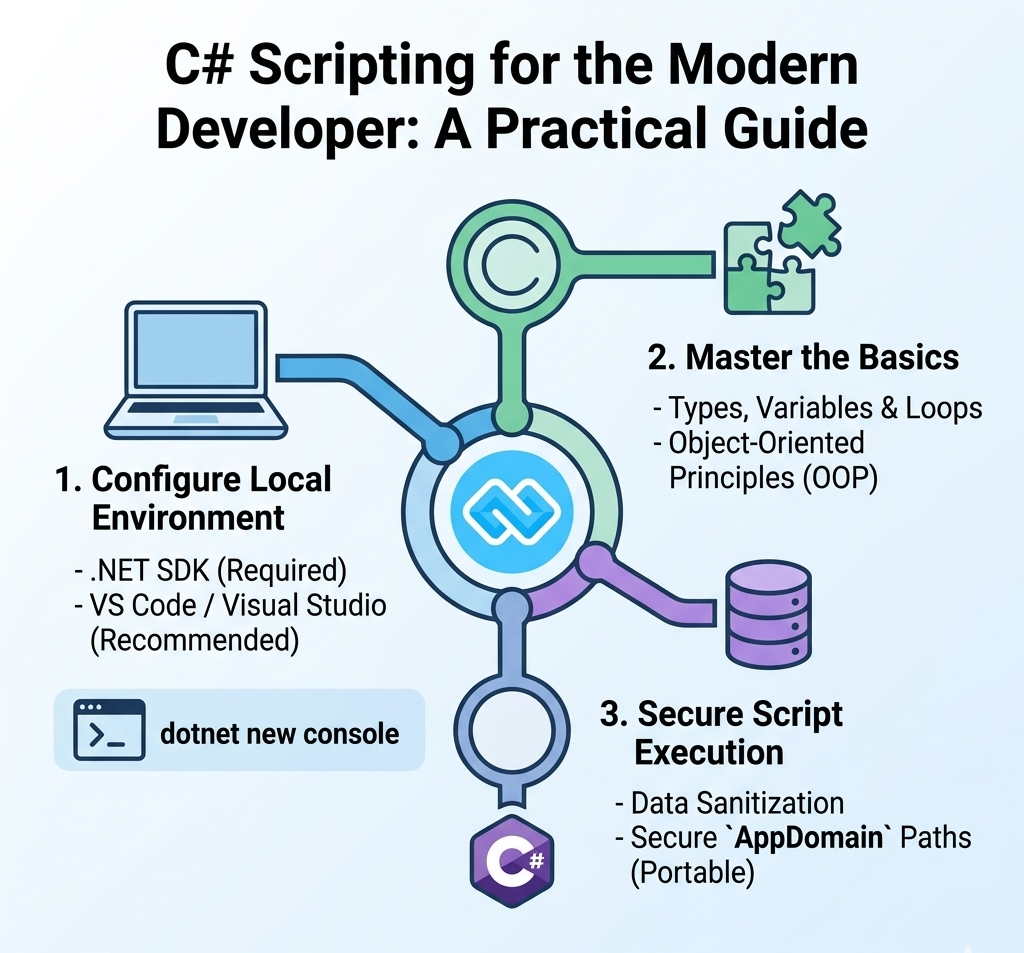

The Power of PHP: Automating Your Web Tasks with Custom Scripts
PHP remains the backbone of the internet, powering over 70% of all websites. While frameworks like Laravel are fantastic for big projects, sometimes you just need a clean, standalone PHP script to handle a specific task.
In this guide, we’ll explore what PHP scripts are, how to set them up, and walk through a few practical examples you can use today.
What is a PHP Script?
A PHP script is a plain text file ending in .php that contains code executed on a web server. Unlike HTML, which is processed by the browser, PHP is processed by the server, which then sends the resulting HTML to the user.
The Basic Structure: Every PHP script must start and end with these tags:
<?php
// Your code goes here
?>
Setting Up Your Environment
To run PHP scripts locally, you need a server environment. Tools like Laragon or XAMPP are perfect for this.
1. Place your file: Save your script in the www or htdocs folder of your local server.
2. Naming: Give it a descriptive name, like contact-form.php.
3. Run: Open your browser and go to localhost/your-file.php.
Practical Example 1: A Simple Contact Form Handler
One of the most common uses for a standalone PHP script is processing form data. Here is a secure way to capture a user's name and email.
The Script (process.php):
<?php if ($_SERVER["REQUEST_METHOD"] == "POST") { $name = htmlspecialchars($_POST['name']);
$email = filter_var($_POST['email'], FILTER_SANITIZE_EMAIL);
if (!empty($name) && !empty($email)) { echo "<h1>Thank you, $name!</h1>";
echo "<p>We will contact you at $email shortly.</p>";
} else {
echo "Please fill in all fields.";
}
}
?>
Practical Example 2: Connecting to a MySQL Database
PHP excels at interacting with databases. Whether you are building a POS system or a simple inventory tracker, you'll need a connection script.
The Script (db_connect.php): <?php
$host = "localhost";
$user = "root";
$pass = "";
$db = "my_database";
$conn = new mysqli($host, $user, $pass, $db);
if ($conn->connect_error) {
die("Connection failed: " . $conn->connect_error);
}
echo "Connected successfully to the database!";
?>
Best Practices for Writing PHP Scripts
To keep your scripts professional and secure, follow these three golden rules:
1. Sanitize Everything: Never trust user input. Always use htmlspecialchars() or prepared statements (PDO) to prevent SQL injection.
2. Stay Organized: If your script gets too long, break it into smaller files and use include or require to bring them together.
3. Comment Your Code: Use // for single lines or /* ... */ for blocks. Your future self will thank you when you revisit the code months later.
PHP Script Use Cases
Task
PHP Tool / Function
User Authentication
session_start() and password_hash()
File Uploads
move_uploaded_file()
API Integration
curl_init() or file_get_contents()
Reporting
Generating CSV or PDF files dynamically
Conclusion
Standalone PHP scripts are like digital "Swiss Army Knives." They are lightweight, fast, and can be integrated into almost any web environment. By mastering these small scripts, you build the foundation needed to create complex management systems and dynamic web applications.

Hi, Welcome to CodesCamp Software Development Company; Build deploy and get all software and tools you need for building here. Build Your Software for free.
Build Today and “Let's Change the Humanity Technology With Software Development!”