
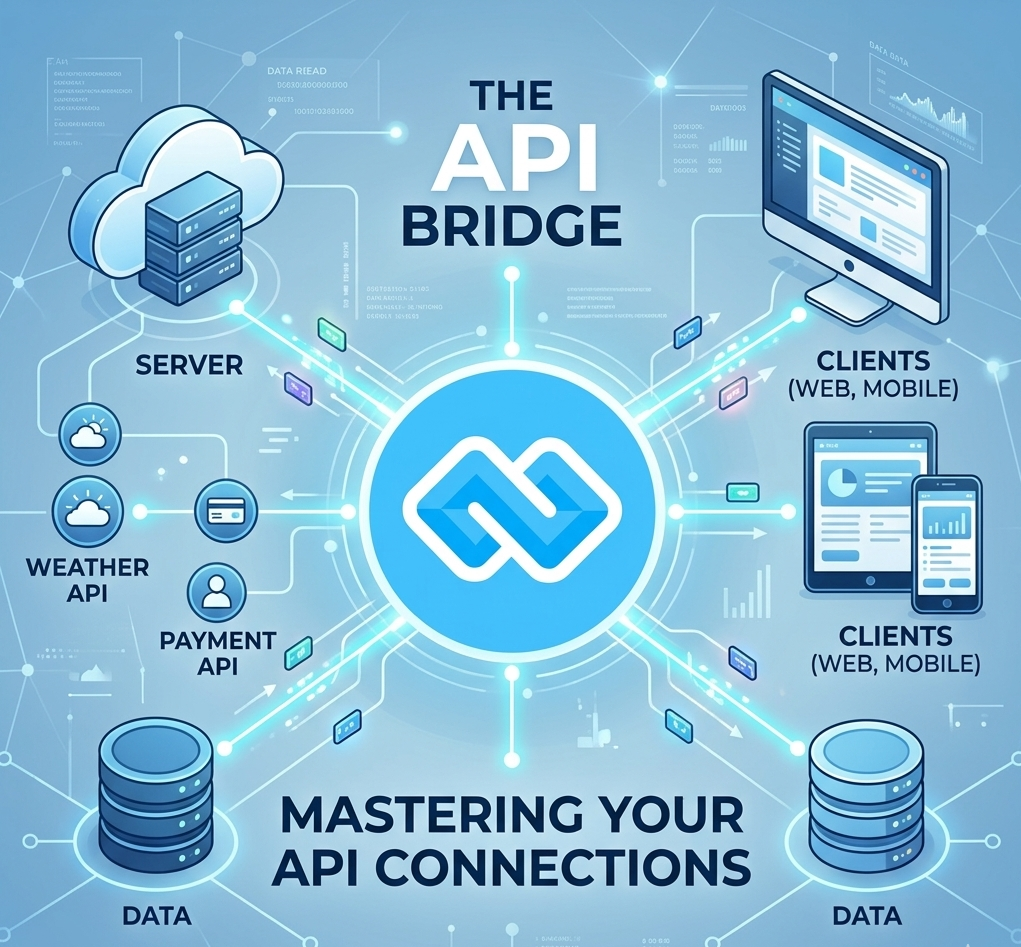
API Review: The Secret to High-Quality, Scalable Software
In the fast-paced world of software engineering, it is tempting to build an API, test it, and ship it immediately. However, skipping a formal API Review is a recipe for technical debt. An API review is a strategic evaluation of an interface's design, security, and usability before it reaches production.
Whether you are building a custom pharmacy POS system or a large-scale management platform, a solid review process ensures your API is durable, fast, and easy for other developers to use.
Why Conduct an API Review?
An API is a contract. Once other developers (or your own frontend) start using it, changing it becomes difficult and expensive. A review helps you:
● Ensure Consistency: Keep naming conventions (like camelCase vs snake_case) uniform across all endpoints.
● Boost Security: Catch missing authentication (OAuth 2.0/JWT) or improper data validation early.
● Improve Performance: Identify potential bottlenecks, such as deeply nested resources that might slow down mobile apps.
● Reduce Rework: It is 10x cheaper to fix a design flaw in a mockup than in a live production database.
The API Review Checklist (2026 Standards)
When reviewing a new API design, use this checklist to ensure it meets modern industry standards:
1. Design & URL Structure
● [ ] Resource-Based: Does the URL represent a noun (e.g., /products) rather than an action (e.g., /get-all-products)?
● [ ] HTTP Verbs: Are GET, POST, PUT, and DELETE used correctly for their intended actions?
● [ ] Versioning: Is there a clear versioning strategy (e.g., /v1/orders) to prevent breaking changes later?
2. Security & Compliance
● [ ] Authentication: Is every sensitive endpoint protected by a robust standard like OAuth
2.0?
● [ ] Input Validation: Does the API reject malformed data with clear 400 Bad Request errors?
● [ ] TLS/SSL: Is the API served strictly over HTTPS?
3. Documentation & Usability
● [ ] OpenAPI/Swagger: Is there a machine-readable spec that allows for auto-generated documentation?
● [ ] Error Messages: Are the error codes descriptive (e.g., 404 Not Found vs. a generic 500 Error)?
● [ ] Code Samples: Are there clear snippets in languages like PHP, C#, or JavaScript?
Modern Tools for API Reviews
In 2026, manual reviews are often supplemented by automated tools that catch "style" issues before a human even looks at the code:
Tool
Primary Use
Best Feature
Postman
Testing & Collaboration
Automated collection testing and mock servers.
Levo.ai
Traffic-Based Documentation
Auto-discovers API changes from real production traffic.
SwaggerHub
Design & Standardization
Enforces organizational style guides in real-time.
Spectral
Linting
An open-source linter for OpenAPI and AsyncAPI descriptions.
How to Run an "API Design Review" Meeting
If you are leading a team, don't just send a document. Run a 30-minute sync:
1. Context (5 mins): Explain who will use this API and what problem it solves.
2. Walkthrough (15 mins): Go through the main "Happy Path" (the most common request/response flow).
3. The "What If" Session (10 mins): Ask questions like: "What if the database is down?" or "What if the user sends a negative price?"
Conclusion
CodesCamp API review isn't a hurdle; it’s a safety net. By taking the time to review your endpoints against a checklist of security and design best practices, you build software that isn't just functional today, but scalable for years to come.
Pro Tip: If you're building a system with local payment integrations like MTN MoMo, ensure your review specifically covers "Idempotency"—a fancy way of making sure a user isn't charged twice if they click the button too many times!
What's the most common API design mistake you've encountered?

Hi, Welcome to CodesCamp Software Development Company; Build deploy and get all software and tools you need for building here. Build Your Software for free.
Build Today and “Let's Change the Humanity Technology With Software Development!”